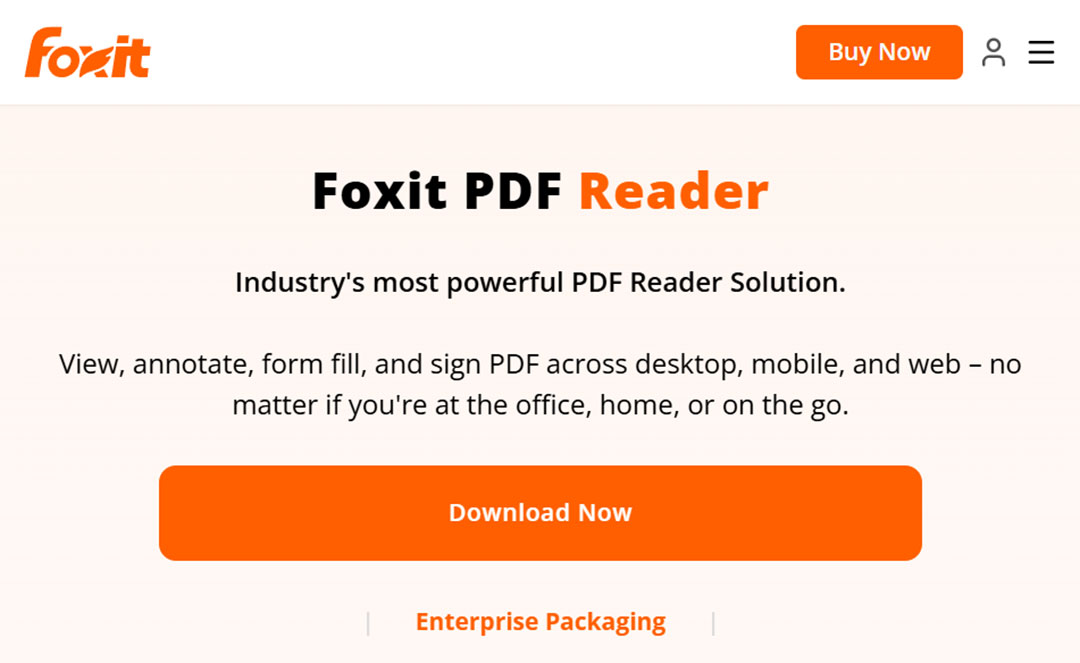
Foxit PDF Reader Review: Is It Still Worth Using in 2026?
If you use a Windows PC, chances are you work with PDF files regularly.
PDFs are everywhere: invoices, manuals, contracts, reports, forms, ebooks, technical documentation, and business documents. While Windows can open PDF files without installing dedicated software, a proper PDF application can provide considerably more functionality.
Foxit PDF Reader is one of the better-known alternatives to Adobe Acrobat Reader. It has been around for many years and has built a reputation for being a feature-rich PDF application without requiring users to use Adobe’s software.
But is Foxit PDF Reader still worth using in 2026?
In this review, we’ll look at what Foxit PDF Reader offers, who it is designed for, its advantages and disadvantages, and whether it makes sense for your Windows PC.
What Is Foxit PDF Reader?
Foxit PDF Reader is a PDF application designed primarily for reading and working with PDF documents.
Unlike a basic browser-based PDF viewer, Foxit provides additional tools for interacting with PDF files.
Depending on the version and available features, you can use Foxit to:
- Open and read PDF documents
- Search PDF documents
- Highlight text
- Add comments and annotations
- Fill out PDF forms
- Sign documents
- Collaborate on PDF files
- Protect PDF documents
- Work with PDF attachments
- Access additional PDF tools
Foxit also offers more advanced PDF software under the Foxit PDF Editor name for users who need comprehensive PDF creation and editing capabilities.
Foxit PDF Reader for Windows
For Windows users, Foxit PDF Reader is particularly relevant.
Microsoft Edge and other modern browsers can already display PDF files, so installing another PDF reader only makes sense if you need additional functionality or prefer using a dedicated application.
Foxit provides a traditional desktop PDF experience with a range of tools accessible from the application interface.
This makes it suitable for people who spend a lot of time working with PDF documents rather than simply opening one occasionally.
Is Foxit PDF Reader Free?
One of the reasons Foxit PDF Reader has attracted so many users is that it has offered a free PDF reader alongside its paid PDF software.
The free reader is aimed primarily at users who need to read and interact with PDF documents without requiring the full capabilities of a professional PDF editor.
However, it is important to distinguish Foxit PDF Reader from Foxit PDF Editor.
If you need advanced PDF editing and document creation features, you may need the paid product.
Before purchasing, check Foxit’s current feature and pricing information because software plans and included features can change over time.
Key Features of Foxit PDF Reader
1. PDF Reading
The primary job of any PDF reader is straightforward: open PDF files and make them easy to read.
Foxit handles this basic requirement while providing additional tools for navigating larger documents.
You can search through documents, navigate pages, zoom, and work with different viewing options.
For users who work with long technical documents or business reports, these features are more useful than they might initially appear.
2. PDF Annotations
Foxit PDF Reader includes tools for annotating PDF documents.
You can use annotations to highlight important information, add comments, and mark sections of a document.
This is particularly useful when reviewing documents rather than simply reading them.
For example, a consultant reviewing a technical specification might highlight specific requirements and add comments directly to the PDF.
3. PDF Forms
PDF forms are common in business and administration.
Instead of printing a form, filling it out by hand, scanning it, and sending it back, a PDF reader with form functionality can allow you to complete the document electronically.
Foxit supports working with PDF forms, making it useful for everyday office work.
4. Digital Signatures
Digital documents often need to be signed.
Foxit provides functionality for working with signatures and signing PDF documents.
This can be useful for contracts, approval documents, forms, and other paperwork that would traditionally have been printed and signed.
Keep in mind that there is a difference between simply placing a signature on a PDF and using a digital signature infrastructure based on certificates and identity verification.
If you require legally significant digital signatures, make sure the solution you use meets the requirements of your particular country and use case.
5. Collaboration
PDF documents are frequently reviewed by multiple people.
Foxit provides collaboration and commenting capabilities that can make document review easier.
Instead of exchanging multiple versions of a document by email, users can use comments and annotations to communicate changes and questions.
For business users, this can be more useful than simply having a fast PDF viewer.
6. PDF Security
PDF files can contain sensitive information.
Foxit provides various security-related capabilities for working with PDF documents.
Depending on the product and configuration, PDF security can include things such as password protection and permission controls.
However, users should remember that PDF security is only one part of information security. Protecting the document itself does not protect it if the file is stored insecurely or sent through an insecure channel.
Foxit PDF Reader vs. Adobe Acrobat Reader
The most obvious comparison is Adobe Acrobat Reader.
Adobe created the PDF format and remains one of the biggest names in PDF software.
Foxit has positioned itself as an alternative PDF solution.
| Feature | Foxit PDF Reader | Adobe Acrobat Reader |
|---|---|---|
| Read PDFs | Yes | Yes |
| Search PDFs | Yes | Yes |
| Annotations | Yes | Yes |
| PDF forms | Yes | Yes |
| Signing | Yes | Yes |
| Advanced PDF editing | Primarily paid products | Primarily paid products |
| Windows support | Yes | Yes |
| Paid PDF products | Yes | Yes |
The important point is that neither application is simply a basic PDF viewer.
Both ecosystems offer additional tools and paid products for users who need more advanced PDF functionality.
Foxit PDF Reader vs. Lightweight PDF Readers
Not everyone needs a feature-heavy PDF application.
If your main requirement is simply opening PDFs quickly, lightweight applications such as SumatraPDF can be attractive.
SumatraPDF concentrates on being a fast and relatively minimal document reader.
Foxit takes a different approach by providing considerably more functionality.
This creates a simple choice:
Do you want a lightweight PDF reader, or do you want a PDF application with more features?
For occasional reading, lightweight software may be sufficient.
For regular document work, Foxit’s additional functionality can be useful.
Foxit PDF Reader Pros and Cons
Pros
- Established PDF software
- Available for Windows
- Feature-rich PDF reader
- PDF annotation tools
- Form support
- Signing capabilities
- Collaboration features
- More functionality than a basic browser PDF viewer
- Paid PDF Editor available for users requiring more advanced functionality
Cons
- The large number of features can make the interface feel busy
- Some advanced functionality requires paid software
- Users who only read PDFs may not need all of its features
- There are many competing PDF applications
Who Should Use Foxit PDF Reader?
Foxit PDF Reader makes sense for people who regularly work with PDF documents.
It can be particularly useful for:
- Home users
- Students
- Consultants
- Office workers
- Small businesses
- IT professionals
- People who work with contracts
- Users who regularly complete PDF forms
- People who need to annotate documents
If you only open a PDF occasionally, however, installing dedicated PDF software may not be necessary.
Your browser may already do everything you need.
Is Foxit PDF Reader a Good Alternative to Adobe Acrobat?
For users looking for an alternative to Adobe Acrobat Reader, Foxit is certainly one application worth considering.
It provides a mature PDF ecosystem and combines PDF reading with additional document functionality.
The decision ultimately comes down to the features you actually need.
If you simply want to read PDFs, there are numerous lightweight options.
If you need to annotate documents, complete forms, sign documents, and work with PDFs regularly, Foxit becomes considerably more interesting.
Is Foxit PDF Reader Worth Using in 2026?
Foxit PDF Reader remains a relevant option for Windows users who want more than the basic PDF functionality provided by a web browser.
Its main strength is the combination of PDF reading and additional document tools.
However, there is no reason to install a feature-heavy PDF application simply because it has more features.
If you only read PDFs, a lightweight reader may be a better choice.
If you regularly work with PDF documents, Foxit deserves a place on your shortlist.
The important thing is to choose software based on what you actually need rather than simply choosing the application with the longest feature list.
Final Verdict
Foxit PDF Reader is a capable PDF application for Windows users who want more than a basic PDF viewer.
Its annotation, form, signing, collaboration, and document-management capabilities make it useful for people who regularly work with PDF documents.
For simple PDF reading, however, there are lighter alternatives.
So before installing Foxit, ask yourself one question:
Do I just need to read PDFs, or do I actually work with them?
If the answer is the latter, Foxit PDF Reader is worth considering.
Frequently Asked Questions
Is Foxit PDF Reader free?
Foxit has offered a free PDF Reader alongside its paid PDF products. The exact features available can change, so check the current Foxit product information before downloading or purchasing.
Is Foxit PDF Reader safe?
Download Foxit software from the official Foxit website and keep it updated. As with any software that handles documents, keeping your PDF application current is an important security practice.
Can Foxit PDF Reader edit PDFs?
Basic PDF Reader functionality is different from the more advanced editing capabilities provided by Foxit’s paid PDF Editor products.
Is Foxit PDF Reader better than Adobe Acrobat Reader?
Both are established PDF applications with overlapping functionality. The better choice depends on which features, interface, pricing, and workflow you prefer.
What is the best free PDF reader for Windows?
There is no single answer for every user. Foxit PDF Reader, Adobe Acrobat Reader, and lightweight readers such as SumatraPDF each target somewhat different requirements.
Can Foxit PDF Reader sign PDF documents?
Foxit provides PDF signing functionality. The exact signing features available depend on the product and version you use.
Can Foxit PDF Reader fill out PDF forms?
Yes. Foxit supports working with PDF forms, making it useful for documents that need to be completed electronically.
Comments(0)
Please to post a comment or reply.